Welcome: CHANGZHOU FENGMI ELECTRONIC EQUIPMENT PLANT
Language:


(1)the switch function:
If you want to view or print before measuring a packet data, according to the following steps:
1.the cursor pointing to package;
2.according to the F16 [F12] package number appear "F" on screen display,
3.press F10 "PGUP and PGDN" adjust the required package;
4.according to F13 print this[F2]package;
5.Press F9, [ESC] exit;
(2) test skin function:
When measuring if required specific area is outside the scope of the skin does not count, can open check skin function:
1.Behind, the cursor pointing to a piece of area, two Numbers for the minimum and maximum effective measurement area;
2.Press F2, PgUp or F10【PgDn】 to adjust the minimum effective measurement area;
3. the F1 [left] the cursor is pointing to the second number (maximum effective measurement area), set up;
4.the cursor is pointing to a piece of area, according to the F16 [F12] open this function (display "s"), then click the close this function disappear (" s ");
3, cases of single function: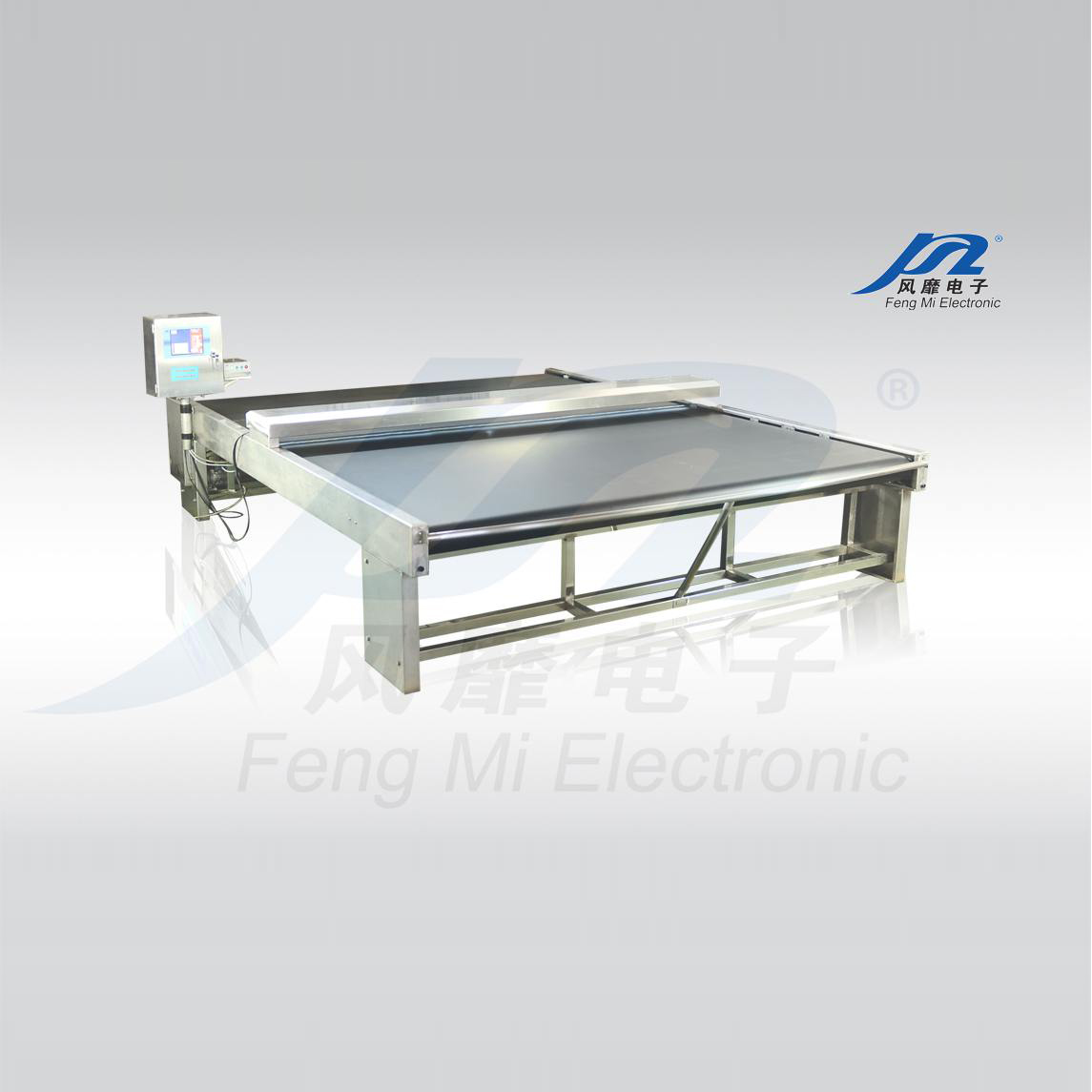
Contact: Tingting Lu International Line:+86 13915075937
Phone: 13906117624
Tel: 0519-86969973
Email: lu@czfm.com
Add: 118-68 Xinchang Road, Xinzha Town, Changzhou , Jiangsu, China.
 TingtingLu